Slack - Create a new Channel:
About:
This document explains how to set up a new slack channel for your Slack Space.
Sign up:
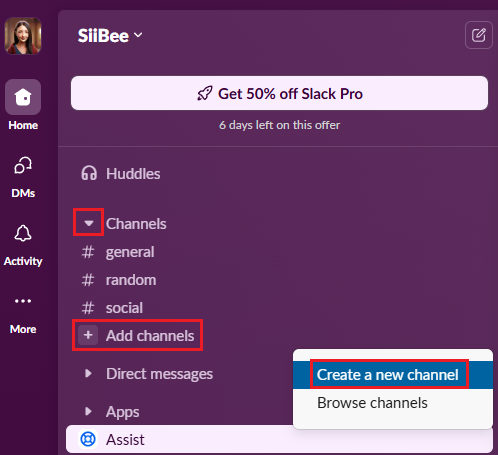
- Look for Channels and click add channels and then Create a new channel.
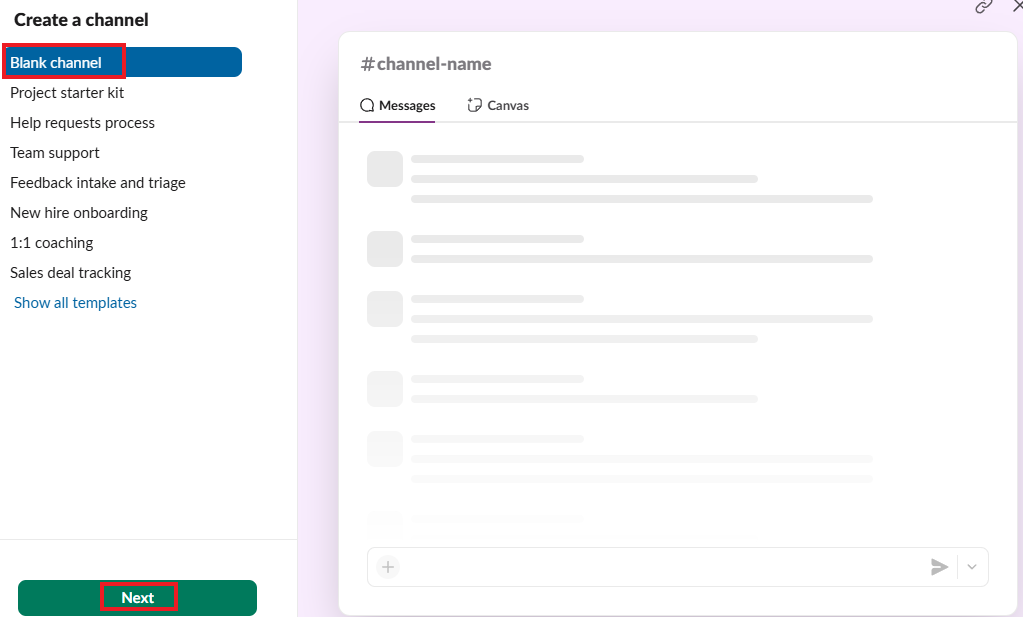
- Take a moment to look at the different templates, there is a lot of fun ones! For this purpose I choose a blank one. Click Next.
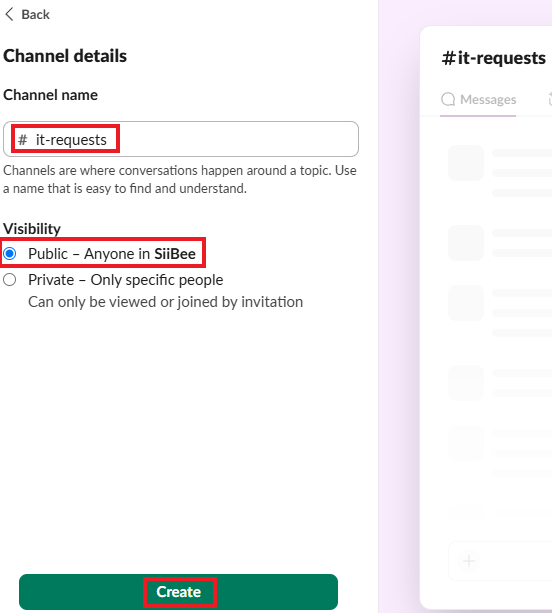
- Name the new channel and choose if you want it to be public or private. In this case I choose public.
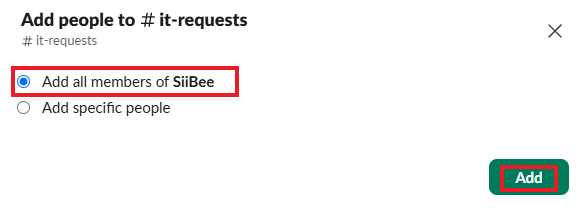
- Choose if everyone in the workspace can join the new channel or only a specific few. In this case I choose to add all members to the group.
- You should add a description to your channel.
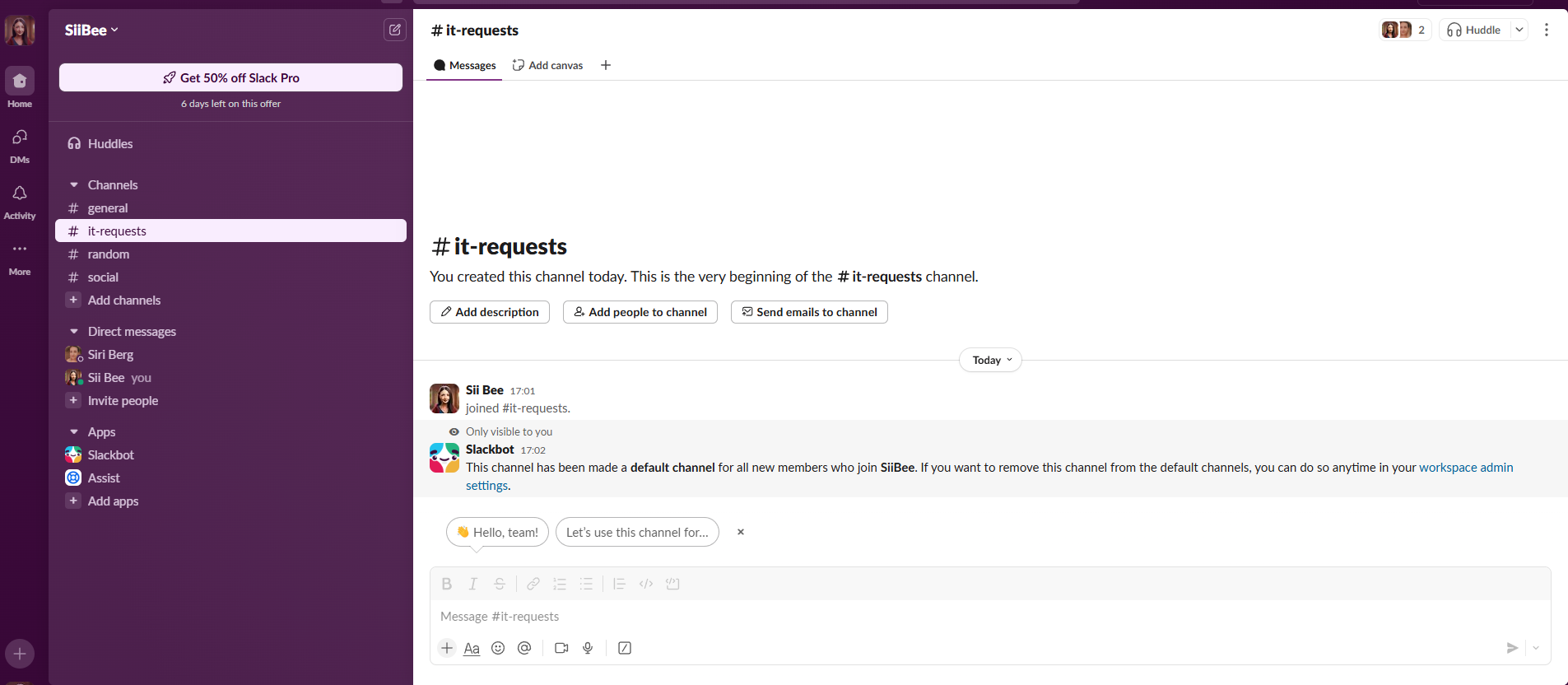
And you are done. 😄